Picture this: you miss a critical headshot because your cursor stuttered at the worst moment. A slow or imprecise mouse is not a skill problem, it is a hardware problem. The good news is that optical sensors accurate enough for competitive play now appear in mice priced well under $30 on AliExpress. The challenge is knowing which listings are genuinely worth your money and which are padded with meaningless spec claims. This article cuts through the noise with specific criteria, price benchmarks, and practical advice so you can order with confidence.
Read also: Browse all Electronics deals · What to look for in a cheap water bottle · Best budget dash cam in 2026
What to Know Before You Click Buy
Gaming mice are sold across a huge price range on AliExpress, roughly $8 to $80, and price alone tells you almost nothing about performance. The single most important spec is the optical sensor. Brands like PixArt manufacture sensors used in both budget and premium mice. If a listing names the sensor model, such as the PixArt PAW3395 or PAW3370, that is a strong signal of honest specs. If the listing only says "high precision 12000 DPI" with no sensor name, treat it as a red flag.
Key Specs Worth Checking
- Sensor model: Named PixArt or Pixart sensors are reliable benchmarks.
- Polling rate: 1000 Hz is standard; some budget options cap at 125 Hz, which feels noticeably sluggish.
- Switch type: Huano, Omron, and Kailh switches each have distinct click feel and rated lifespan (usually 10 to 50 million clicks).
- Weight: Lightweight mice (under 80 g) reduce fatigue during long sessions.
- Grip style fit: Palm grippers need a longer body; claw and fingertip grippers prefer shorter, lighter shells.
Check seller ratings above 95% and look for listings with at least 200 orders. That volume indicates the product ships reliably and matches its photos.
Finding the Best AliExpress Gaming Mouse for Your Grip Style
Grip style is the filter that narrows your search faster than any other factor. Palm grip users typically need a mouse body longer than 120 mm with a pronounced hump near the rear. Claw grip players prefer a steeper hump placed more centrally, with a shorter overall length around 110 to 118 mm. Fingertip grip suits ultra-light mice under 70 g with a flatter profile so only the fingertips make contact.
Recommended Price Tiers in 2026
- Under $15: Expect basic optical sensors, 1000 Hz polling, and simple RGB. Great for casual players or a secondary setup.
- $15 to $30: This range delivers named PixArt sensors, solid build quality, and braided cables. The sweet spot for most gamers.
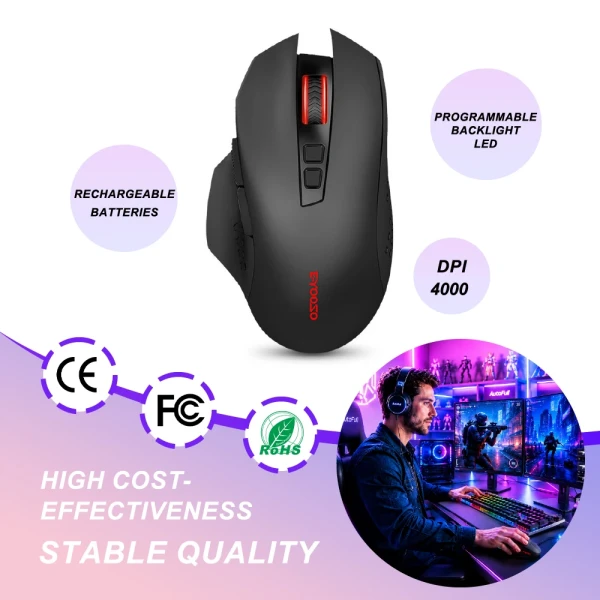
- $30 to $50: Wireless options with low-latency 2.4 GHz dongles appear here. Battery life ranges from 40 to 80 hours per charge depending on RGB settings.
For wireless buyers, confirm the listing specifies 2.4 GHz wireless rather than Bluetooth alone. Bluetooth introduces latency that competitive players will notice, while a dedicated 2.4 GHz dongle keeps response time close to wired performance.
Build Quality and Software: What Budget Listings Often Skip
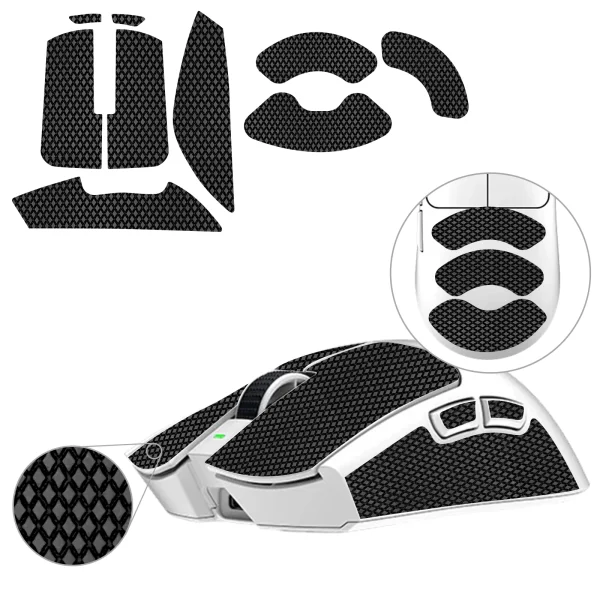
Scroll down to the product description and look for two things: side grip material and software support. Textured rubber side grips matter more than most buyers realize. After an hour of play, a smooth plastic shell becomes slippery, affecting aim consistency. Rubberized grips, even thin ones, maintain control throughout long sessions.
Software support varies widely. Some sellers bundle a basic DPI-switching utility that runs on Windows. Others provide no software at all, relying on onboard memory to store DPI profiles. For most players, onboard profiles are fine. Power users who want per-game macros should confirm software availability before purchasing, ideally by checking the Q&A section of the listing or messaging the seller directly.
Build Quality Checklist
- Cable flexibility: paracord or braided cables reduce drag compared to stiff rubber cables.
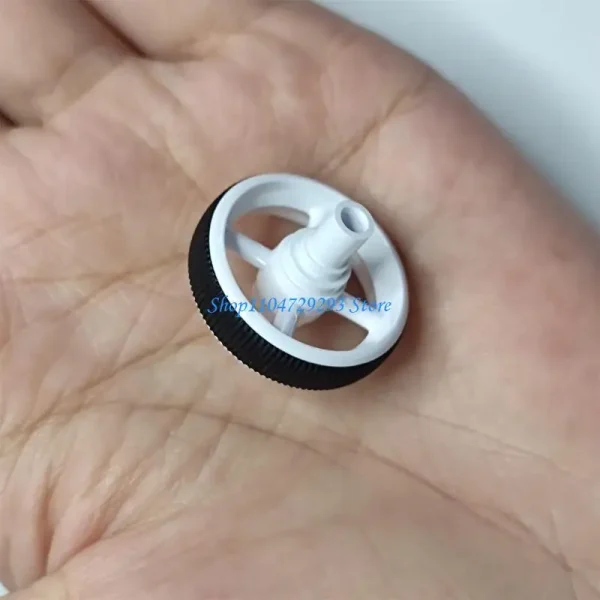
- Scroll wheel: a notched, tactile wheel is easier to use for weapon-switching in shooters.
- Side buttons: confirm they are accessible without shifting your grip.
- Feet (mouse skates): PTFE feet glide smoothly; thin plastic feet wear quickly on rough pads.
You can find mice that tick all these boxes in the $18 to $28 range. Browse all electronics deals to compare current listings side by side.
Avoiding Common Ordering Mistakes
Shipping time and stock accuracy are the two most frequent pain points for buyers. AliExpress sellers often list the same mouse body in multiple sensor configurations. Always read the variant dropdown carefully. Selecting the wrong variant, for example a 4000 DPI version when a 12000 DPI variant exists at the same price, is an easy and frustrating mistake.
Check whether the seller ships from a local warehouse if you are in the US or Europe. Many top-rated stores now maintain stock in overseas warehouses, cutting delivery from 20 days down to 5 to 8 days. The listing will note the shipping origin under the shipping tab. Paying an extra $2 to $3 for faster dispatch is almost always worth it. Also confirm the return window: most reputable sellers offer 15 to 30 days for defective items, which covers the most common issue of a dead click on arrival.
Common Questions Answered
Are cheap gaming mice from AliExpress actually good for competitive play?
Many are genuinely capable. Mice in the $20 to $35 range often use the same PixArt sensor families found in mice sold at two to three times the price elsewhere. The key is confirming the sensor model and polling rate before ordering.
How do I know if a wireless mouse has low enough latency for gaming?
Look for listings that specifically mention a 2.4 GHz USB dongle rather than Bluetooth-only connectivity. A dedicated 2.4 GHz connection typically delivers latency under 2 ms, which is imperceptible during play. Bluetooth alone is better suited for office use.
What is a safe DPI range for most gamers?
Most competitive players use settings between 400 and 1600 DPI, adjusted by in-game sensitivity rather than maxing out the hardware DPI. Extremely high DPI values like 16000 or 26000 are marketing figures and rarely used in practice. Choose a mouse that performs accurately at low DPI settings rather than one that only advertises its ceiling.
Can I use an AliExpress gaming mouse on a Mac or Linux system?
The mouse hardware itself works on any system that supports USB HID devices, which includes Mac and Linux. Proprietary software for DPI or macro configuration may be Windows-only, but onboard memory mice store profiles on the device itself and work platform-independently.
Make Your Next Gaming Session Count
The right peripheral removes friction between intention and action. Spending $20 to $35 on a well-specced mouse from a vetted seller delivers real, measurable improvement in control. Prioritize sensor name, polling rate, and grip fit over RGB lighting claims. Browse all electronics deals and filter by top-rated sellers to find current stock that ships quickly. A better session is one order away.